NEXO: plan the repair of every device
Phones, tablets, laptops, consoles, TVs and audio. Tick what is wrong, choose the repairs and see the price range before you go.
Plan a repair See all prices42 repairs with a price range or a quote after a look
Phones first
Made for the devices
you use every day
Plan it
before you go
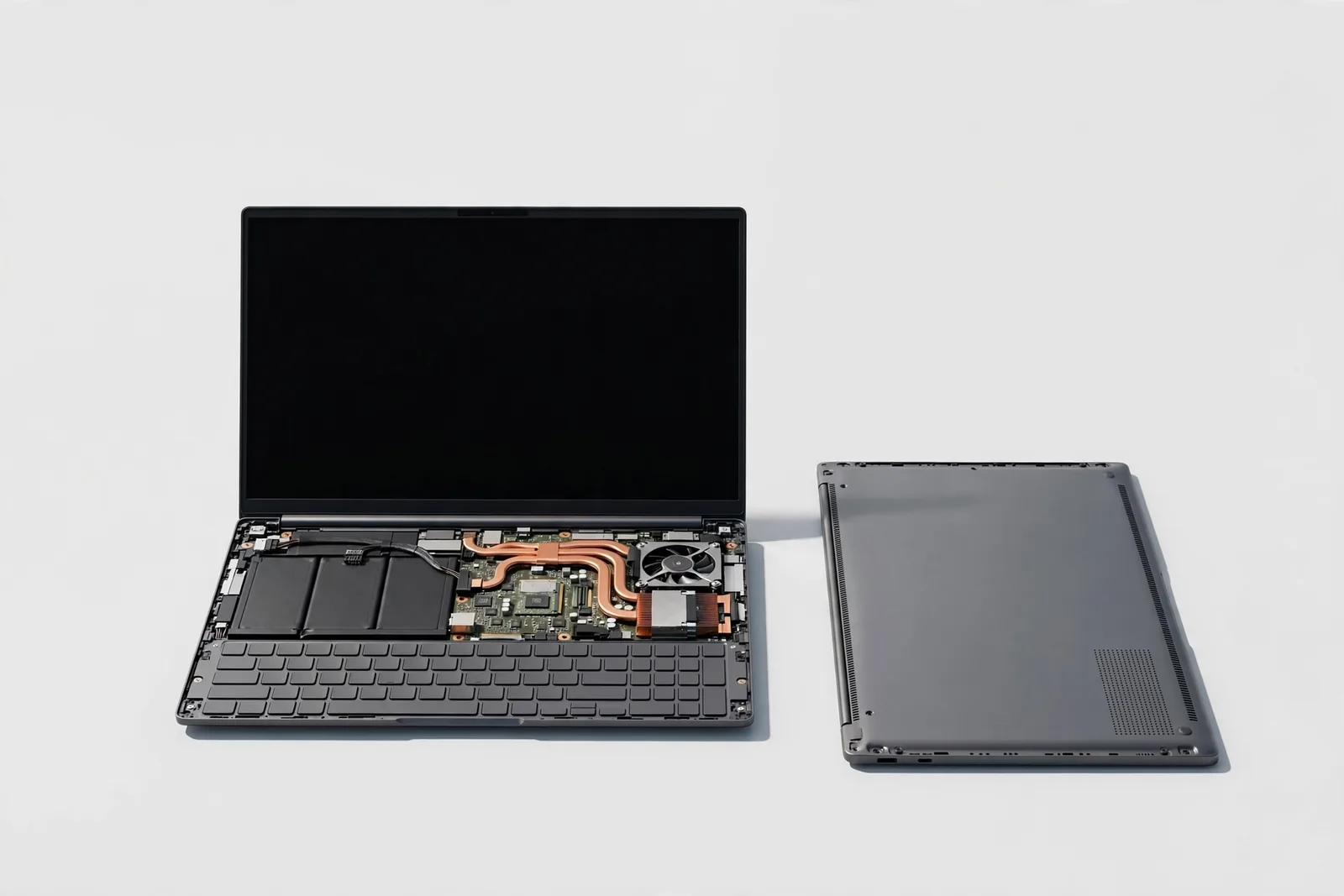
Every repair shows a price range for parts and labour together. Screens and some batteries come in two part grades. Board repairs are quoted after NEXO looks at the device.
How it worksDays a week to ask for: Monday to Saturday, morning or afternoon
Device types
From the pocket
to the living room
Smartphone
Screens, batteries, ports, cameras and software.
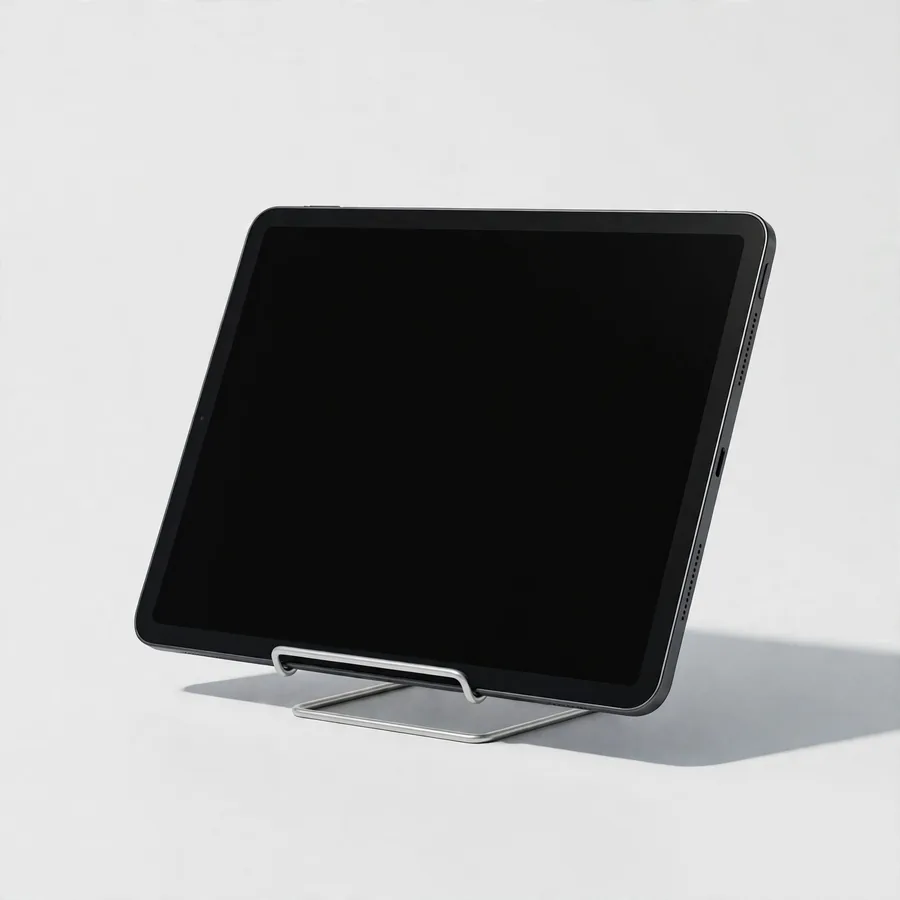
Tablet
Screens, batteries, charging and software.

Laptop
Screens, keyboards, batteries, cooling and upgrades.
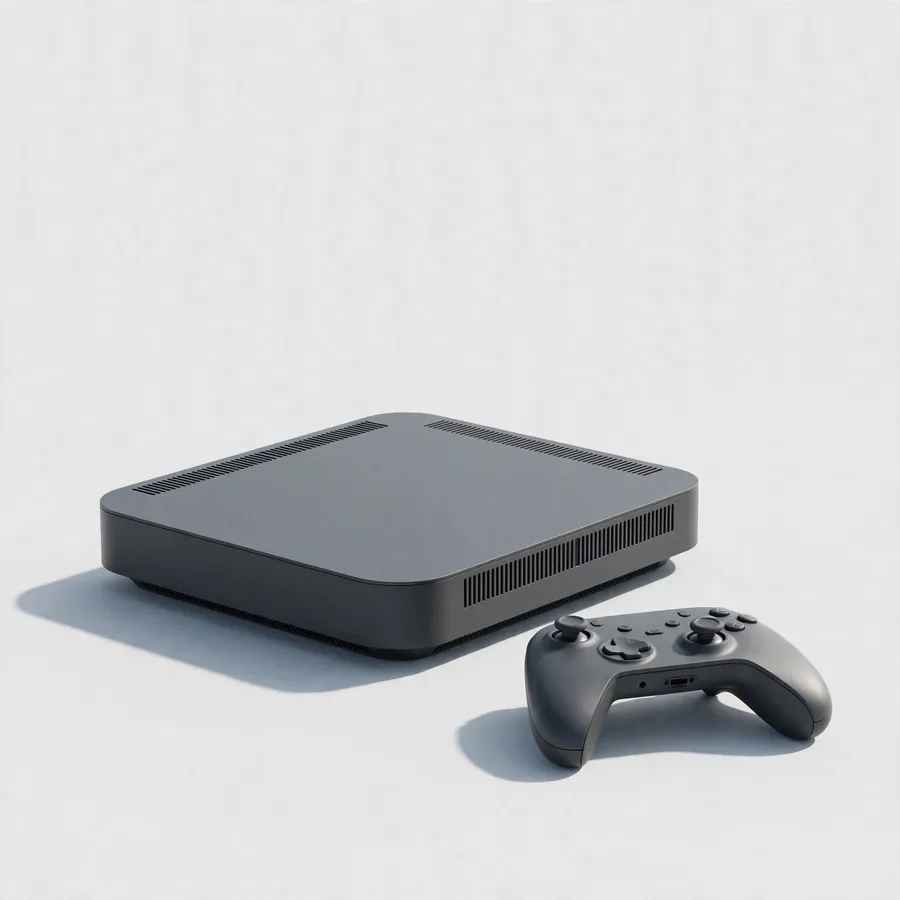
Game console
Ports, cooling, drives, controllers and power.

TV or monitor
Backlight, boards, ports and settings.
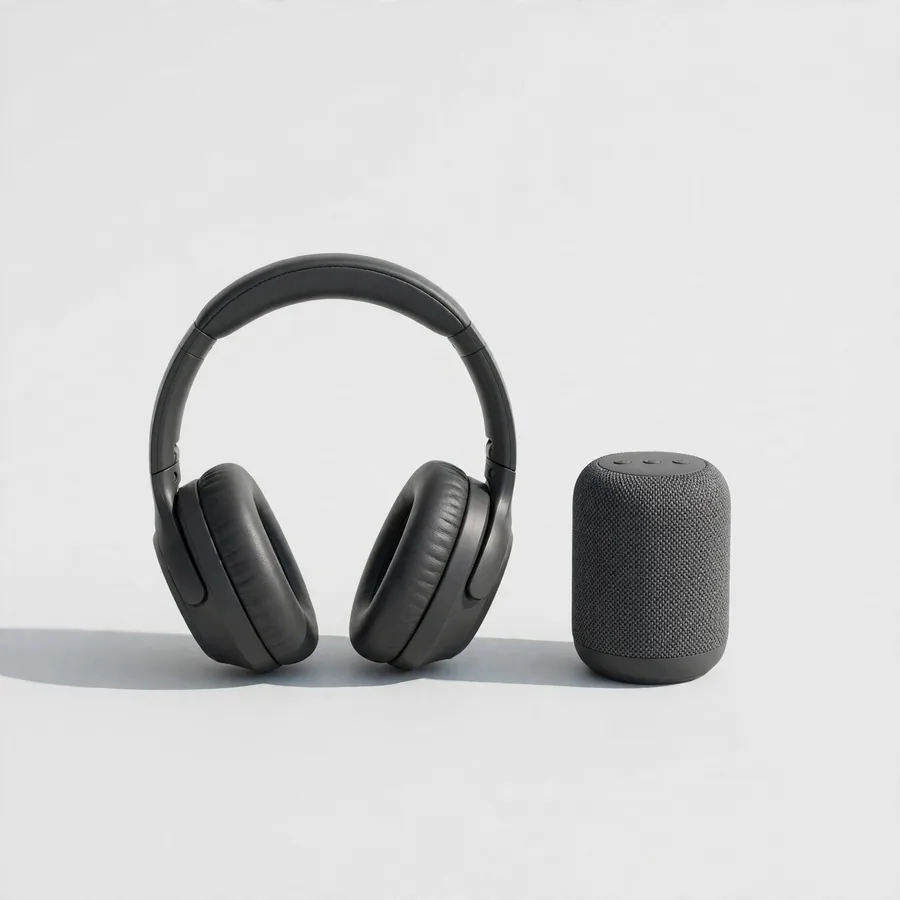
Speaker or headphones
Batteries, charging, drivers and connections.
Four steps
Add the devices
Up to five devices per request: type, brand and model, and a name you recognise.
Describe the problems
Tick what you notice. The app suggests the repairs that usually fix it.
Choose the repairs
Each repair shows a price range; screens and some batteries come in two part grades. Board repairs are quoted after a look.
Send the request
Choose drop-off, pick-up or a TV visit, a day and a time, and send the request by email, call or share.
Part grades
Standard or
higher grade
- Standard part
A compatible part with good value. - Higher-grade part
A higher-grade part for colour, brightness or capacity closer to the original.
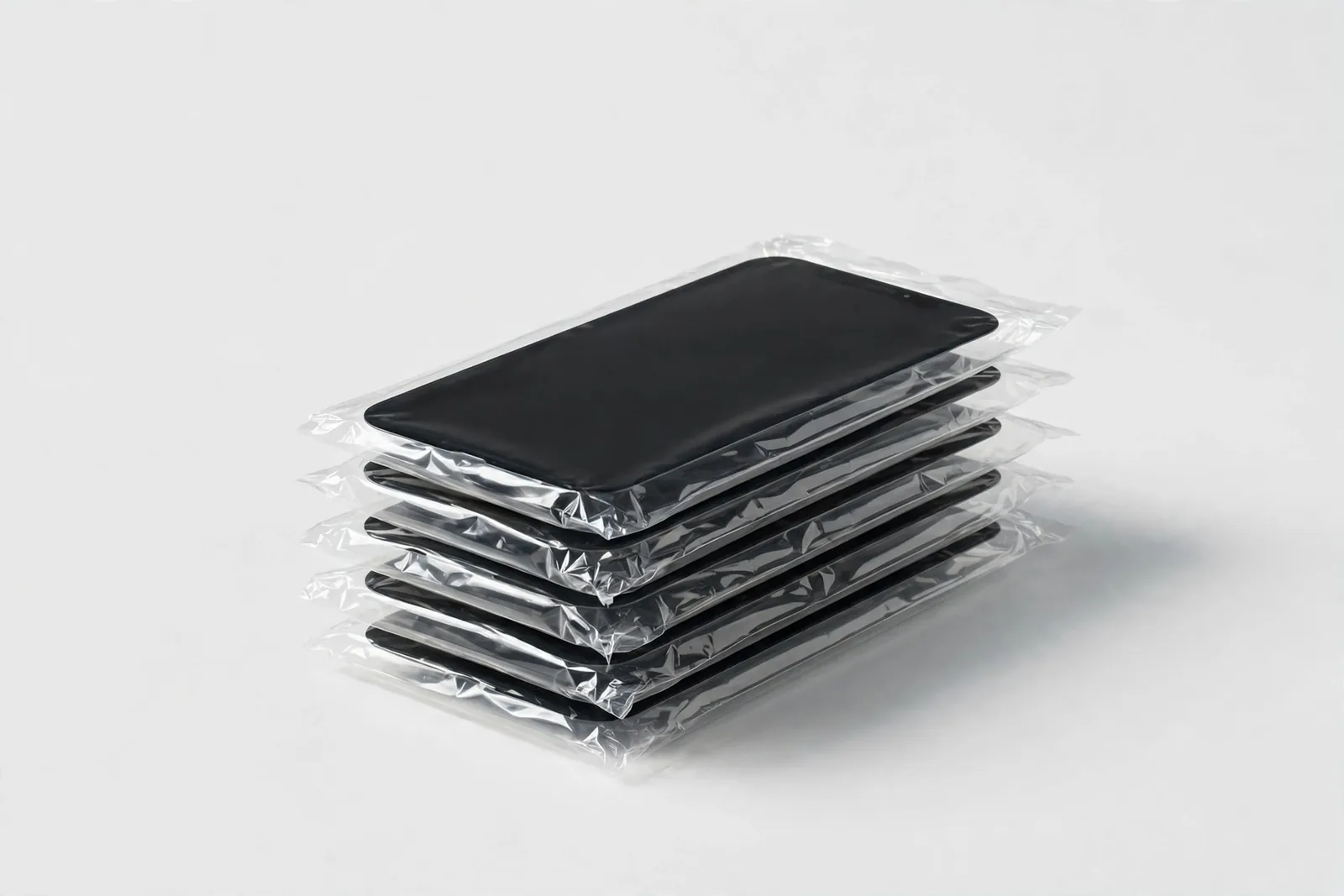
Phone and tablet screens and phone batteries come in both grades; NEXO confirms the part before the repair.
Frequently asked
questions
Why are prices ranges?
The final price depends on the exact model and what NEXO finds. NEXO confirms the repair and the price before starting.
What is the diagnosis fee?
A fee per device for finding the fault. It is shown for every device in your request.
What are the two part grades?
For some screens and batteries you can choose a standard part or a higher-grade part. NEXO tells you which parts it has for your model.
Do I need to give my password?
No. Do not write passwords in the app. If a test needs the device unlocked, NEXO asks you in person.
What happens to my photos and files?
Back them up before the repair when the device still turns on. Data backup and transfer can also be requested for phones.
Is my request a booking?
No. It is a request. NEXO replies to confirm the day, the time and the price.
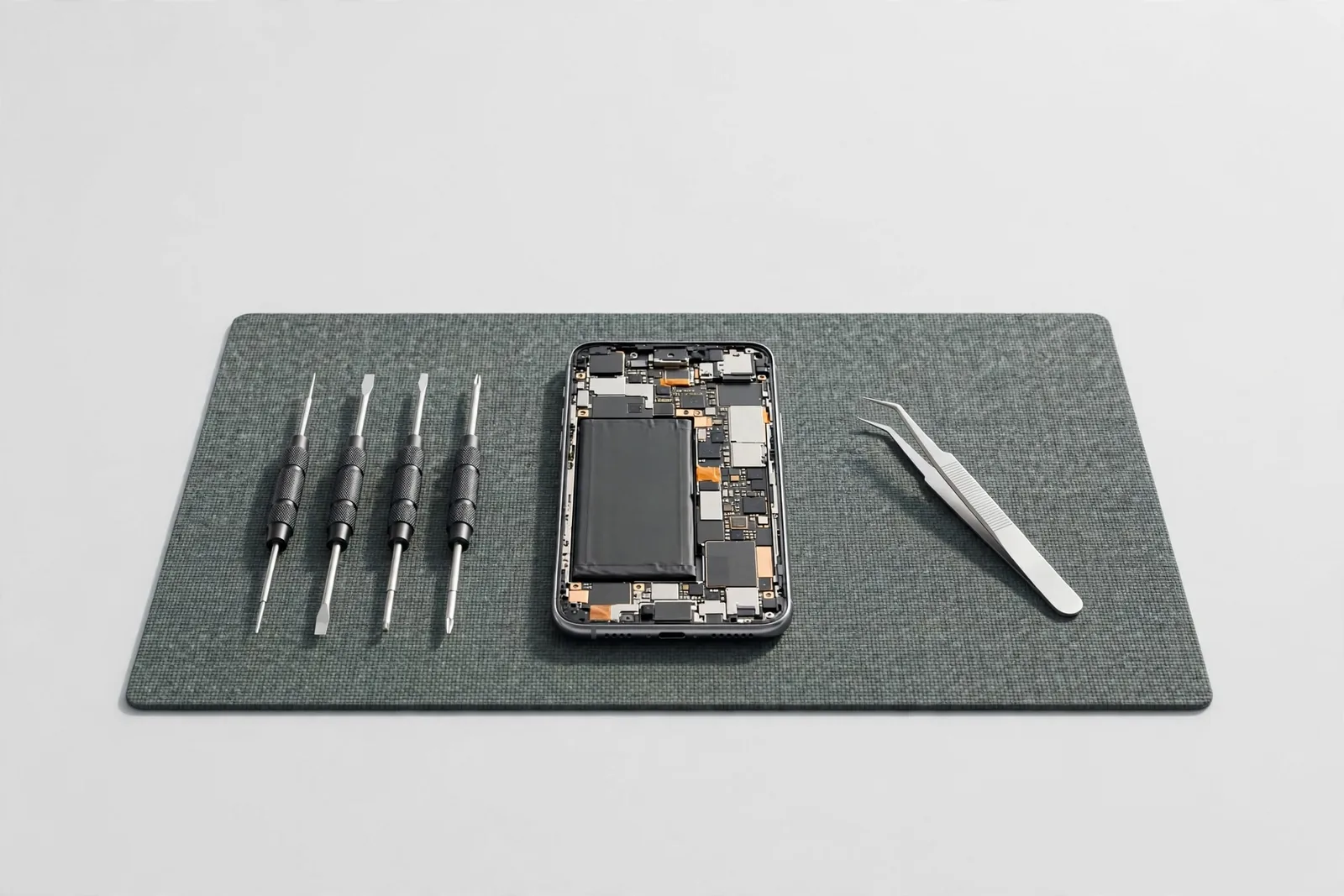
Plan a repair
Every device in one request
Add up to 5 devices, tick what is wrong, choose the repairs and see the price range before you send it to NEXO.
Open the planner